Projects
Metrivo · Analytics Dashboard Experience
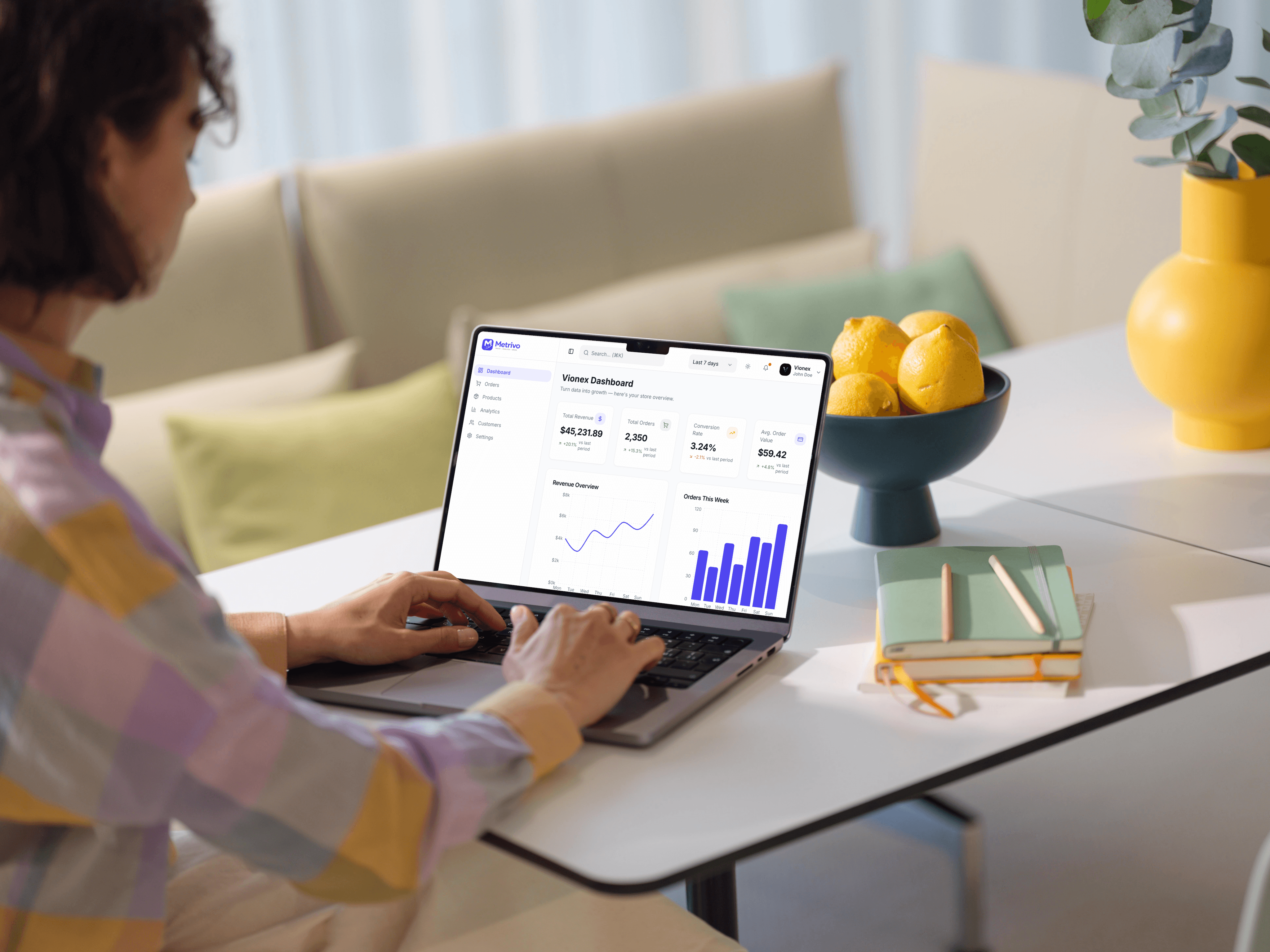
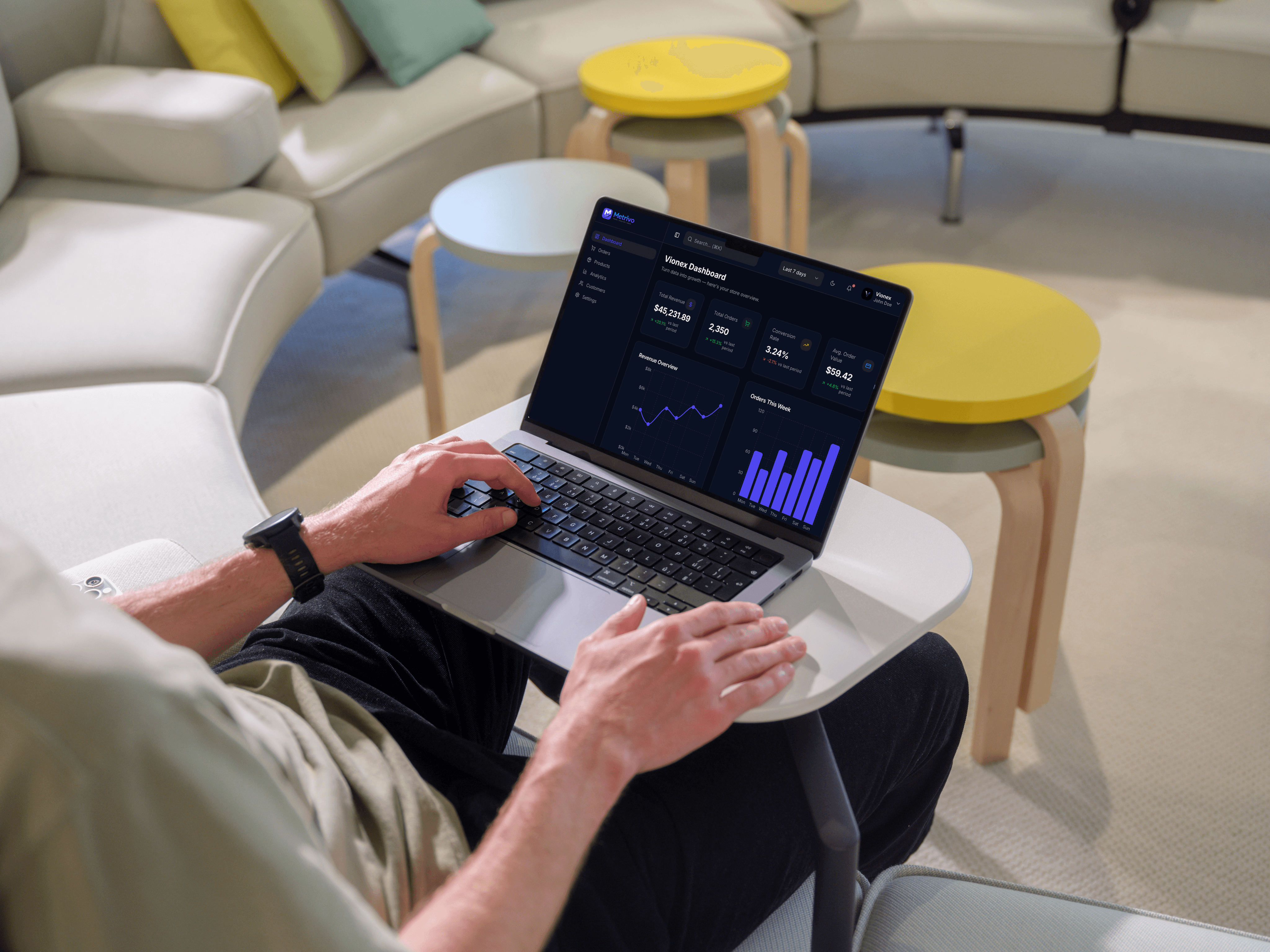
Metrivo is a modern analytics dashboard that helps businesses track key metrics, analyze performance, and make data-driven decisions through a clean and intuitive interface.

01
About the Project
What is the product?
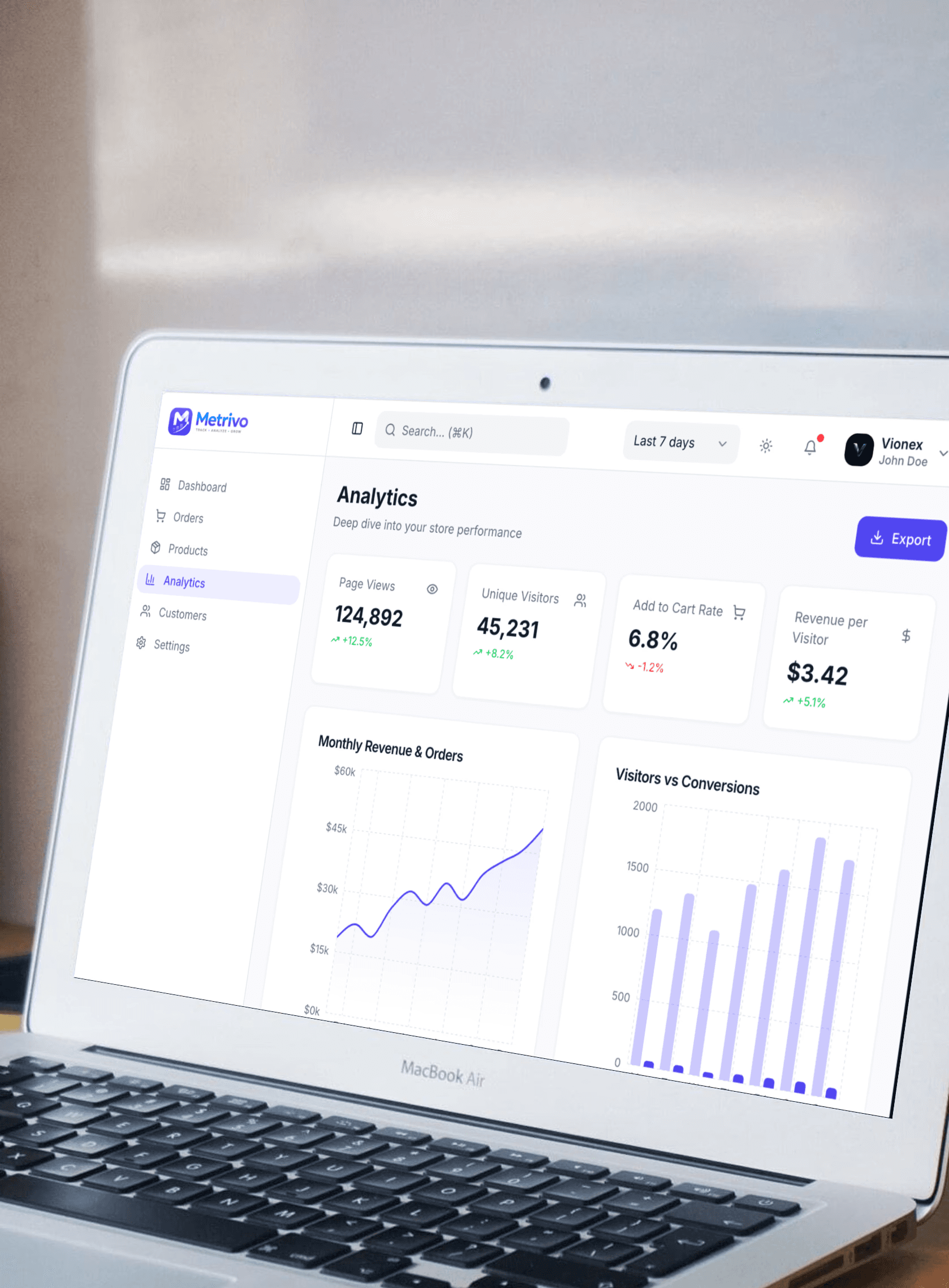
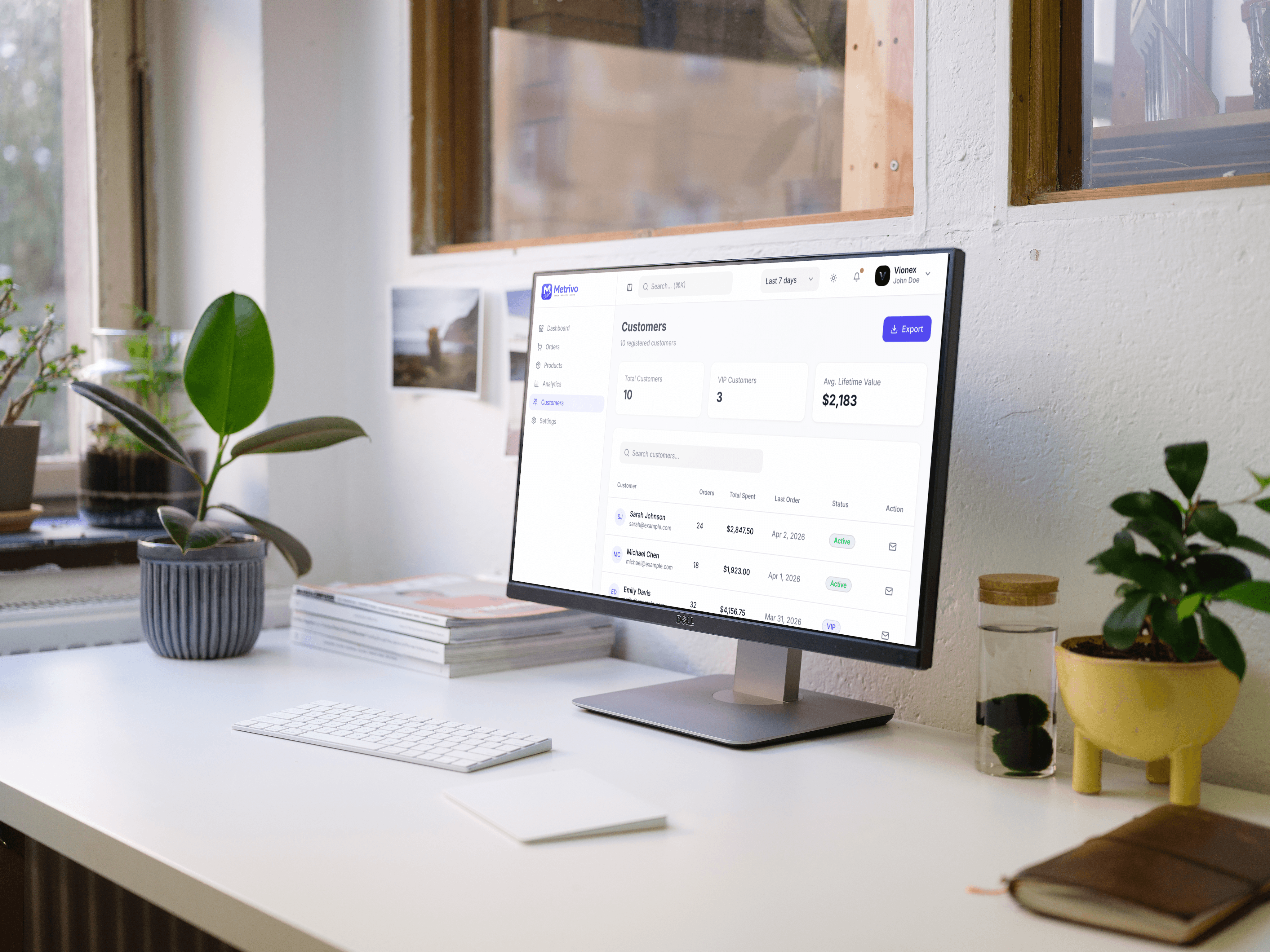
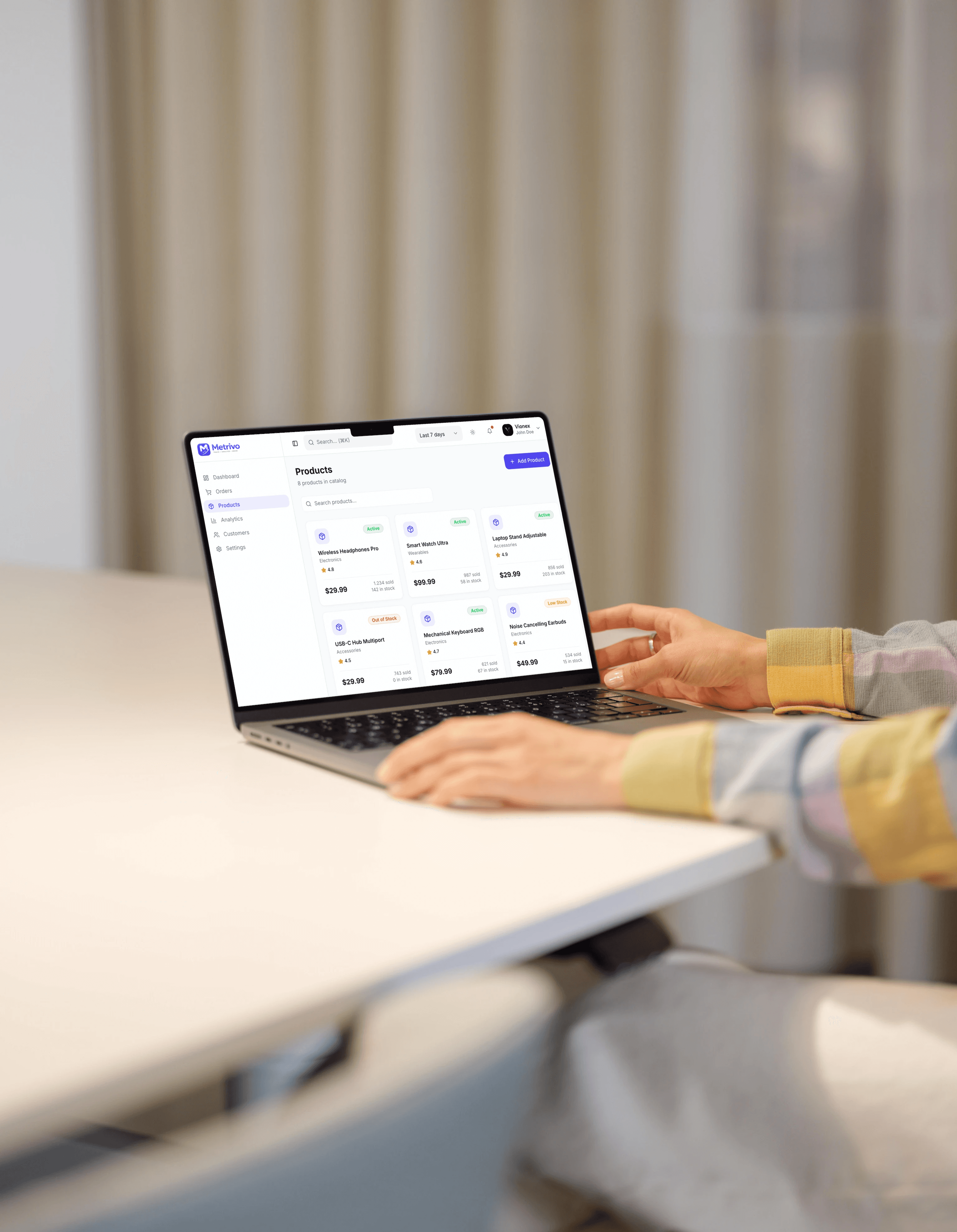
Metrivo is a web-based analytics dashboard designed to help businesses track performance, monitor key metrics, and gain actionable insights. The platform simplifies complex data through intuitive visualizations and a clean, user-friendly interface.
My Role
Product Strategy
UX/UI Designer
Website Design
Wireframing
Design system
Prototype
02
The Challenge
Problem
Businesses often struggle to understand their performance due to scattered data across multiple tools and complex analytics interfaces. This makes it difficult to quickly identify trends, monitor key metrics, and make informed decisions.
Key Pain Points
Data spread across multiple platforms
Overwhelming and complex dashboards
Difficulty identifying key metrics quickly
Lack of clear data visualization
Time-consuming performance tracking
03
Objectives
Goals
Design a clean and intuitive analytics dashboard
Simplify complex data visualization
Highlight key metrics for quick insights
Improve decision-making through clear data presentation
Create a scalable and modern dashboard experience
04
Process & Approach
Research
I explored common analytics dashboards and identified key patterns, user needs, and essential metrics. The research focused on understanding how users interact with data and what information they prioritize when making decisions.
UX Testing & QA
The design was reviewed to ensure clarity, usability, and consistency. Key flows were evaluated to improve navigation, reduce friction, and ensure the dashboard remained intuitive and user-friendly.
Wireframe Thinking
Low-fidelity wireframes were created to define layout structure, information hierarchy, and user flow. The focus was on organizing complex data into a clear and accessible dashboard layout.
UI Design
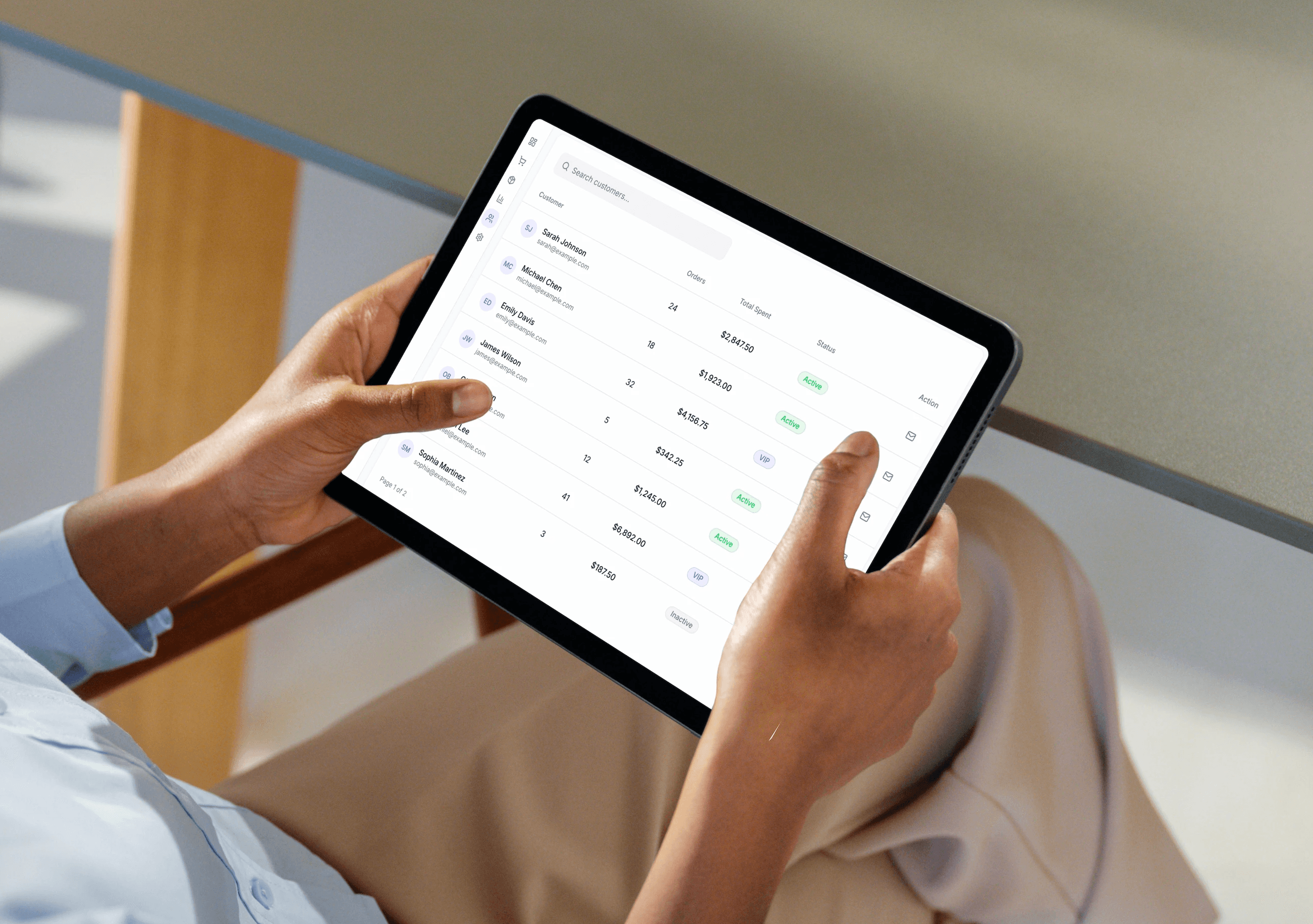
The final UI design focused on clean layout, strong visual hierarchy, and modern dashboard aesthetics. Cards, charts, and data components were designed to improve readability and create a scalable design system.
Final Experience Improvements
Improved visibility of key metrics
Simplified navigation and dashboard structure
Enhanced data readability with clear visual hierarchy
Reduced cognitive load through clean layout
Faster access to important insights
Design Decisions
Used a card-based layout to organize data clearly
Prioritized key metrics at the top of the dashboard
Applied minimal color palette to reduce visual noise
Designed intuitive charts for better data understanding
Maintained consistent spacing and typography for clarity



06
Impact & Outcomes
Impact
Improved data visibility and accessibility
Faster decision-making with clear insights
Reduced complexity in data analysis
Enhanced overall user experience
Scalable dashboard structure for future growth